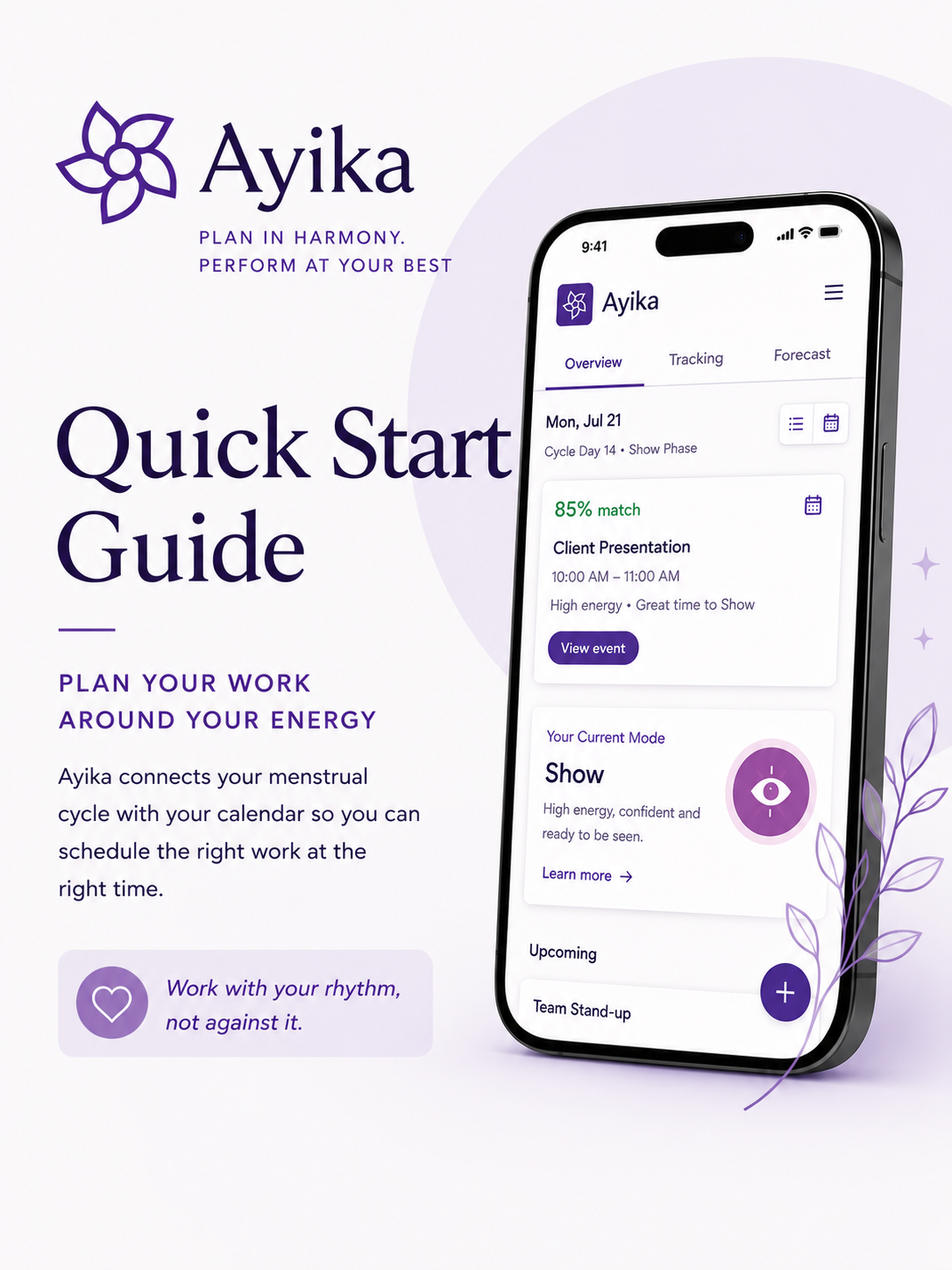
Plan Your Work Around Your Energy
Ayika helps you plan your work around your natural energy by connecting your menstrual cycle with your calendar.
In just a few minutes you'll be ready to start exploring.
Step 1: Connect Your Calendar
When you first log in, you'll be asked to connect your calendar.
Choose either:
Connect Outlook Calendar
Connect Google Calendar
Once connected, Ayika securely syncs your calendar events and begins analysing them against your cycle.
Step 2: Install Ayika on Your Phone (Recommended)
Ayika works like an app on your phone, making it easy to check your schedule throughout the day.
If prompted
After opening Ayika in your mobile browser, you may see an Install Ayika prompt.
Simply tap Install.
If you don't see the prompt
You can install Ayika manually.
On Android (Chrome)
Open Ayika in Chrome.
Tap the three-dot menu (⋮) in the top-right corner.
Select Install app or Add to Home screen.
Tap Install.
On iPhone (Safari)
Open Ayika in Safari.
Tap the Share button.
Scroll down and tap Add to Home Screen.
Tap Add.
Once installed, Ayika appears on your home screen just like any other app.
Step 3: Install the Outlook Assistant (Outlook users only)
The Ayika Outlook Assistant brings Ayika directly into Outlook, making it easy to view your cycle insights alongside your calendar.
1. Open Outlook on the web
Sign in to your Outlook account in your web browser.
2. Open Apps
From the left-hand menu, select Apps.
3. Search for "Ayika"
Use the search bar to find Ayika.
4. Add the Assistant
Select Ayika and click Add.
That's it! The Ayika Outlook Assistant is now installed.
5. Sign in
Open the Ayika Assistant from Outlook and sign in using the same account you used to create your Ayika account.
Once you're signed in, Ayika will connect with your Outlook calendar and you'll be ready to start planning around your energy.
Step 4: Explore Your Dashboard
After connecting your calendar, you'll land on the Overview page.
From here you can:
View upcoming events
See your current cycle phase
Review event recommendations
Access Tracking and Forecast views
The dashboard becomes more useful as your calendar and cycle data are added.
Step 5: Log Your Period
To personalise your Ayika recommendations, log the first day of your most recent period.
Go to the menu bar
Select Log Period
Enter the start date of your period
Add your period length, if prompted
Save your entry
Ayika uses this information to calculate your current mode and forecast the best timing for upcoming activities.
Step 6: Manage Your Calendar Connections
Open Settings (top-right menu) to:
Connect additional calendars
Choose which calendars Ayika reads
Choose where Ayika writes your Ayika Modes
View linked accounts
Remove old connections
Check your sync status
Step 7: Add or Sync Events
Ayika automatically reads events from your connected calendar.
You can also create new events directly from:
Outlook or Google Calendar
The Ayika app
Any event added to your connected calendar will appear inside Ayika.
Screen Grab: Calendar Event Creation Example
Step 8: Understand Your Event Scores
Ayika analyses every event against your current cycle phase.
Each event receives a compatibility score showing how well it aligns with your energy at that point in your cycle.
Examples include:
High-energy meetings during Create or Show phases
Focus work during Focus Mode
Recovery activities during Reset or Rest phases
You'll see:
Match percentage
Current phase
Suggestions for improvement
Step 9: Review Event Recommendations
Selecting an event opens the event detail page.
Here you'll see:
Current match score
Assigned phase
Energy alignment rating
Suggested improvements
This helps you understand whether an event is scheduled at the optimal time.
Step 10: Use "Find Better Time"
If an event isn't scheduled at an ideal point in your cycle, Ayika can suggest stronger alternatives.
Select Find Better Time to view:
Better dates
Better times
Improved match scores
Expected percentage improvement
For example, an event currently scoring 80% may have alternative times scoring 92–95%.
Step 11: Decide What To Do
For each recommendation, you can choose to:
Keep on my calendar: Leave the event exactly where it is.
Use this time: Accept a recommended slot that better matches your energy profile.
Hide in Ayika: Remove the recommendation from your Ayika view without changing your calendar.
Understanding Ayika Modes
Ayika organises your month into five intuitive productivity modes:
Reset — Recovery, reflection, planning and self-care
Create — Idea generation, strategy, brainstorming and innovation
Show — Presentations, networking, visibility and collaboration
Focus — Deep work, execution and delivery
Rest — Wrap-up, restoration and preparation for the next cycle
Ayika uses these modes to recommend the best timing for your activities.
Want to learn more? Read Understanding your cycle phases for a deeper look at:
The science behind each phase of the menstrual cycle
How energy, focus, mood and capacity naturally change throughout the month
The connection between cycle phases and Ayika Modes
The types of work, meetings and activities best suited to each phase
Practical ways to plan your calendar in harmony with your natural rhythms
By understanding your cycle, you can stop powering through and start working with your body, not against it.
Tips for Getting the Most from Ayika
✓ Connect your primary work calendar
✓ Keep your calendar up to date
✓ Review low-scoring events weekly
✓ Use Find Better Time before moving important meetings
✓ Build your schedule around your strongest energy windows rather than working against them
Need Help?
If you experience any issues, have suggestions, or would like to share feedback, please contact the Ayika team.
Every piece of feedback helps shape the future of the platform.